College Quest Review
This point-and-click adventure successfully captures the trials and tribulations of collegiate life.
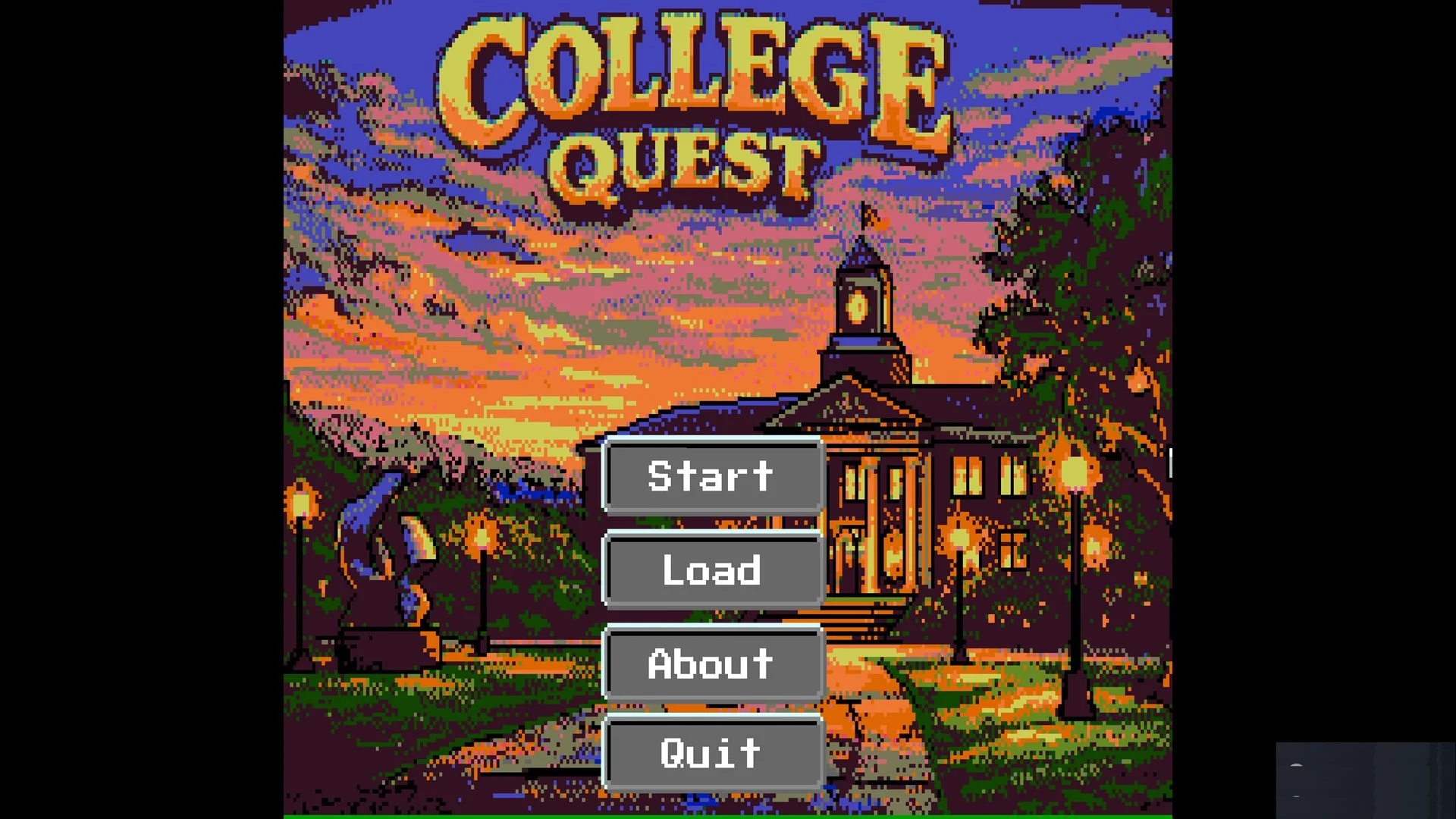
The College Quest title screen. It shows the title, menu and a beautiful drawing of a university building. Anthony S. Anselmo / Pretty Bird Games 2026.
Anthony Anselmo’s College Quest is published by Pretty Bird Games. This adventure game uses the pixel-art aesthetic and point-and-click interface popularized by Sierra On-Line to simulate being an art student. It captures the triumphs and tribulations of collegiate life; the comradeship, the stress, the food. One tribulation it uses to great effect is the constant spending of money. There’s never enough of it and it needs to be spent as soon as it’s made. Never fear adventurers. just like its Sierra inspirations, College Quest always provides a way to continue the adventure. It may involve sweating blood, but observant adventurers will never be stymied. A hint book is available for those who need it.
Senior year is almost over at our protagonist’s, Tony’s, art college. Adventurers have to help him complete six projects: Clay Piece, Figure Drawing, Still Life, Computer Illustration, Photography, and Package Design. Tony’s grades are accessible using the “G” key on the keyboard. If Tony gets “A’s” he will receive the best ending in the game. If he receives “B’s” he’ll receive the second-best ending. If he receives any “C’s” he’ll receive the worst ending. It’s important to work hard on the projects. They will get more difficult as the game progresses. Adventurers help Tony complete his work using a classic point-and click interface. it's accessible in two ways. Adventurers may move the mouse to the top of their screen and left-click to select an icon, or cycle through them using their right mouse button. The mouse cursor will change from an arrow to a picture of the selected icon. Regardless of the selection method, the interface controls all of Tony’s actions. It also provides a map of campus, and the ability to save and load the game.
Tony walks around campus using the foot icon. Selecting it, moving the mouse to a spot on screen, and left-clicking causes Tony to walk to the selected spot. I was impressed with how well College Quest speaks to my own personal college experience of always getting lost on campus and never learning my way around. Fortunately, the game provides its adventurers with something I never had during my college years, an easily accessible map. Adventurers may access it by pressing the “M” key on their keyboards. Additionally, a helpful compass is always in the upper-right corner of the screen, and the game always provides messages regarding the direction Tony is facing.
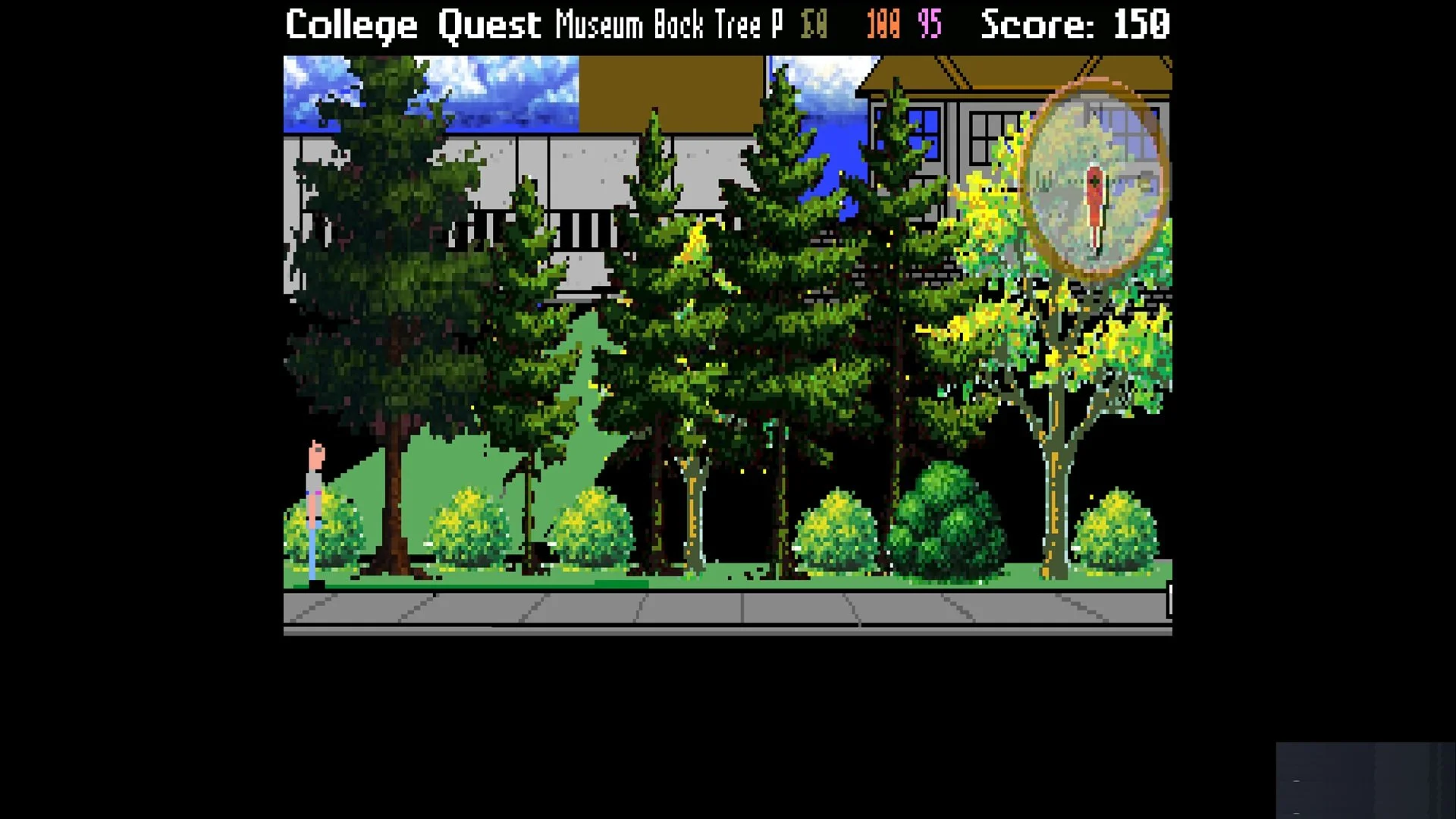
A picture from College Quest showing Tony walking around campus with lovely trees. Anthony S. Anselmo / Pretty Bird Games 2026.
Tony may travel to any location on campus using the map and compass. College Quest sprinkles its locations with a few interactive hotspots. Hovering the mouse over a hotspot reveals its name at the top of the screen. Selecting the eye icon and left clicking on the hotspot provides its description. If the hotspot is an object, Selecting the hand icon and clicking on the object orders Tony to pick it up and add it to his inventory. Tony stores his inventory in a backpack. Left-clicking on the backpack icon opens the inventory. Right-clicking on an inventory object provides its description. Left-clicking on an object, then, left-clicking on the “Close” button retrieves the object from the backpack and readies it for use in the game. Left-clicking with the object over a hotspot attempts to use it on that hotspot. Tony informs adventurers if their attempt is successful.
One of the ways Tony uses his inventory of items is by bringing them to specific characters. When adventurers left-click the “Talking balloon” icon and then left-click on a character it reveals a list of things Tony can say. Left-clicking on a one of them compels Tony to employ it in conversation. Talking to characters is the best way for Tony to learn about his objectives and the puzzles he must solve en route to graduation.
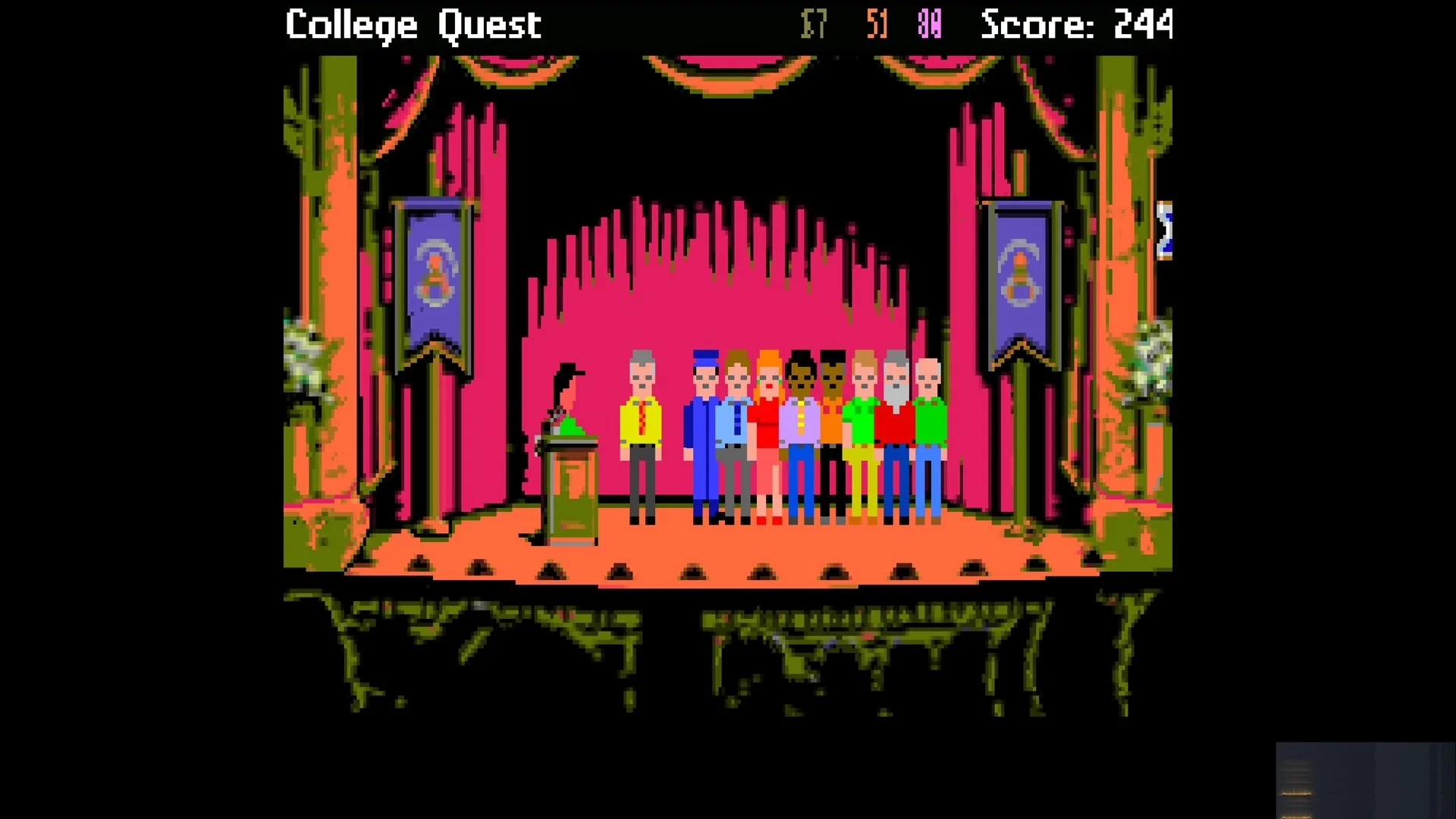
This picture from College Quest shows Tony graduating. He must solve many puzzles to reach this point. Anthony S. Anselmo / Pretty Bird Games. 2026.
Most puzzles that Tony must solve involve bringing objects to characters, which helps him successfully complete his projects. I found two puzzles particularly unique and challenging. The first puzzle involves earning money to buy supplies to complete his projects. Tony’s ready cash is shown at the top of the screen. He never seems to have enough of it! There are two ways for Tony to earn money. The first way is searching for money in his environment. Tony can take money from the planters on campus. If he’s lucky, he may be able to find money in the bushes and trees. The second way to earn cash is to sell blood at the campus bloodmobile. The red number at the top of the screen represents Tony’s blood. Be warned if it drops to zero, Tony will die. The process saps his energy, which is represented by the purple number at the top of the screen. If it drops to zero the consequences will be similarly unpleasant. The best way to replenish it is to eat. Tony may eat at several places on campus All of which cost money except the cafeteria. There will come a time when Tony is stalked by a killer. Adventurers must help Tony avoid his enemy and report him to the proper authorities. If adventurers don't help him, Tony will meet an unpleasant fate.
Death is part of everyone’s life. Fortunately for Tony, it needn’t be permanent. Saving the game requires pressing “F5” on the keyboard. Alternatively, adventurers can press “Escape” to activate the menu, or, by left-clicking on the gear icon. Once adventurers activate the Save Game menu, they can type a homemade label for their game. The homemade label makes it a simple matter for adventurers to remember where they left off after a break.
Adventurers may load their saved games in three ways; from the title screen by clicking on the “Load” button, or from within the game itself by pressing the “F7” button, pressing “Escape” and left-clicking on “Load” or by using the gear icon. Each of these actions activate the list of labeled saved games. When adventurers left-click on a label, then, left-click on the “Load” button, the game restarts at the spot adventurers left off.
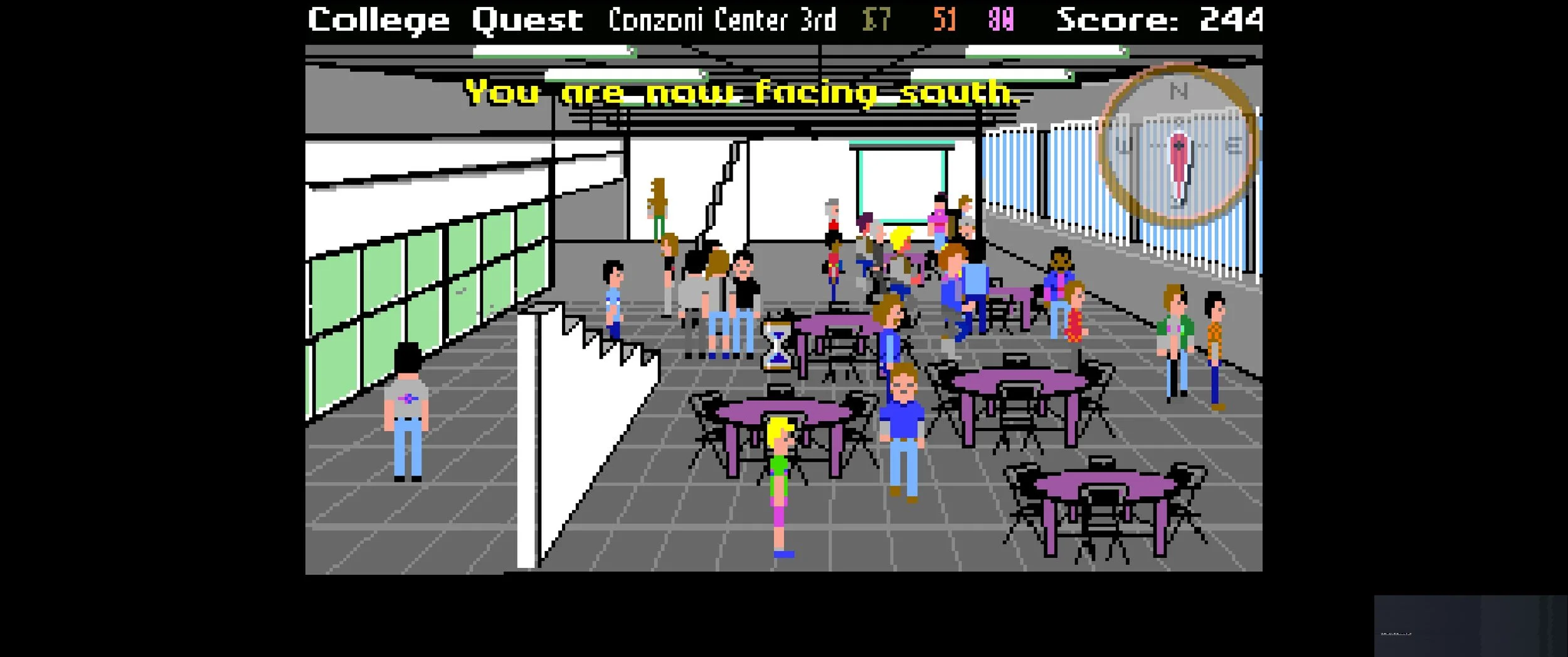
This image depicts Tony’s graduation party from College Quest. Many of his classmates are celebrating with him. Anthony S. Anselmo / Pretty Bird Games 2026.
It’s a good thing death isn’t permanent. It gives Tony, and the adventurers who guide him, more time to appreciate the lovely pixel-art settings of the campus. The trees are especially noteworthy. They stand tall, majestic and beautiful. Some are arrayed with the red of Fall, and some are garbed in green, like Spring.
The music is good. Sometimes it’s slow and plodding. Sometimes slightly faster in tempo. It fits the mood of a tired college student.
College Quest
Successfully puts its adventurers in the shoes of a struggling art student. Earning money for supplies can be a bit slow and frustrating, but it could be argued that its pace increases the game’s realism. The game is available on Steam and Itch.io.